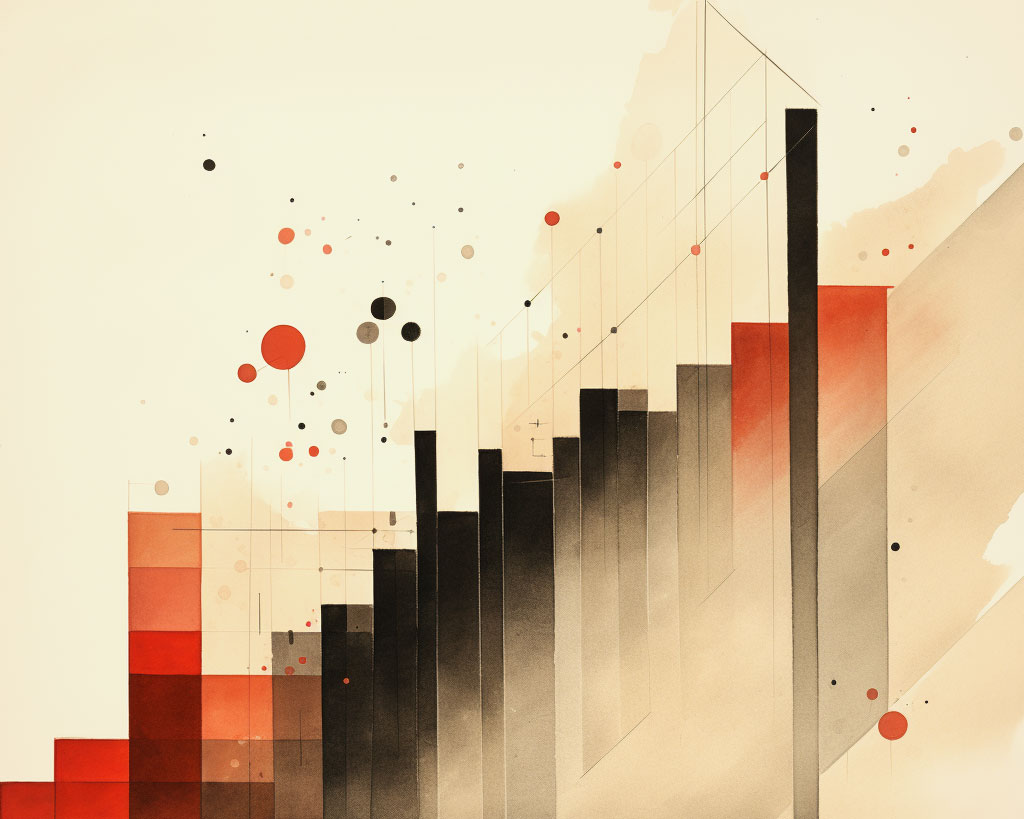
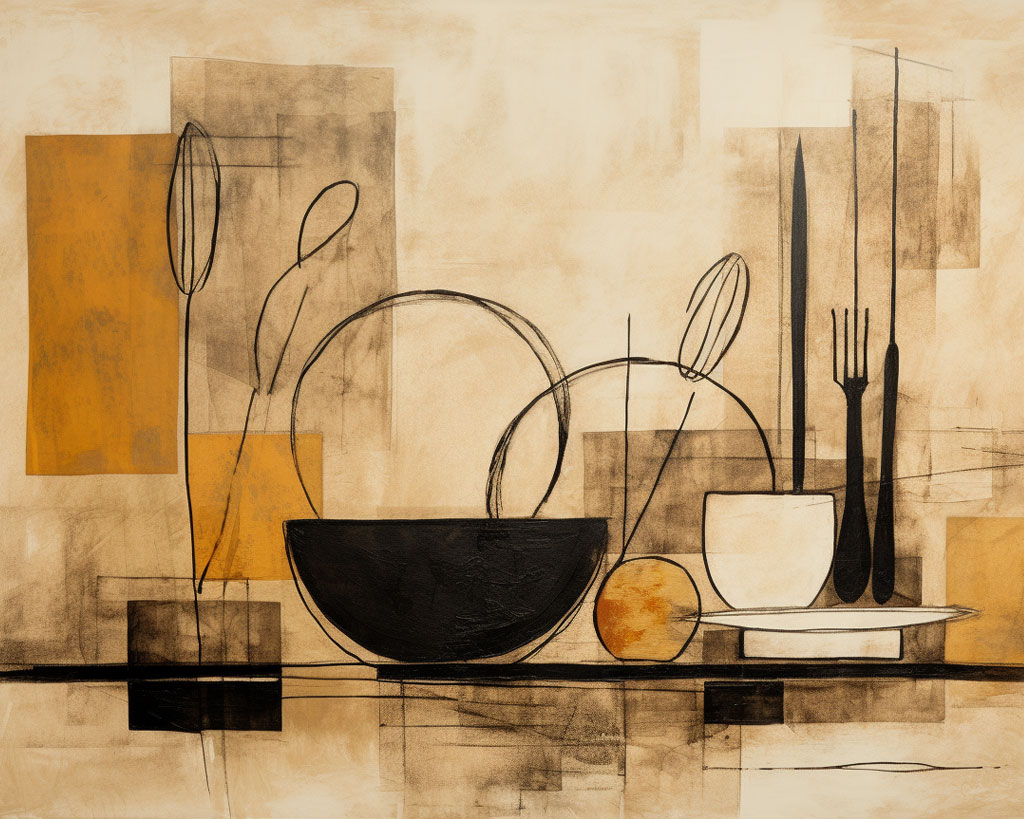
Hand drawn in the same style as the portrait, but more abstract and evocative of the era.
Another Chopin CD direction
February 17th, 2010Chopin CD cover
February 13th, 2010The Livescribe Challenge
January 17th, 2010As an assignment, I am going to create a collateral piece for the Livescribe Pulse Smartpen. The product is as complex and confusing as the brand architecture* (what exactly are you supposed to call it? A Pulse? Really? Can I borrow your Pulse? I just got a Pulse? Pulse Pulse Pulse). It’s a pen that records what you write, and records audio that is linked to what you write, and only works on proprietary paper, but also does a lot of other random things, like actually reading what you write if it’s printed clearly, or translating it into Spanish, or playing a piano you draw. Then you have to synch it to a computer and use proprietary software to upload it to one website “community” where you can share notes in the form of “pencasts”.
So it’s the pen that…you know…does digital stuff.
At any rate, I’m supposed to create log of some sort that Livescribe could sell to promote the Pulse. Here’s the deal: there’s a good product buried in there. There are just a few other less-impressive products tacked on to it that make it hard to process what the good product even is. So I’m trying to zero in on one or two features to give the user some tracks to run on, and show how the product could truly increase your quality of life, instead of complicate or interrupt it.
Here are some log ideas so far. Some are just parts, some are more assembled:
- Psychic
Part A: Have people write their thoughts at intervals, which are timestamped and uploaded to a database that looks for similar topical trends at similar times. The user gets quick results from people who were thinking about the same thing at the same time. A psychic connection is thus established. How fun.
Part B: Framed areas for doodling and drawing are provided. Software (maybe microsoft Silverlight esque, used in Photosynth) analyzes the basic composition and weighs it against a database culled from Flickr. Similar images are returned and users discover their abilities in remote viewing.
Part C: Widespread trends in certain topics (using Tweet esque technology) are identified to give periodical reports on activity in the universal unconscious. - Collaborative
Part A: Different versions of the log assign drawings of different parts of a large image (which would be hard to identify on their own), which gets assembled online. Users can then mouse over the mosaic to find out who was responsible for each “pixel”, and have chance to see themselves as part of a whole. This would be a good way to get “non-artists” to be creative.
Part B: Different versions of the log give writing assignments that are sections of a greater story. A general outline for each user’s part is given, then the community can assemble the parts as they choose, to create massively collaborative narratives. - Spiritual Disciplines
Similar to a diet and exercise log, but helps to keep track of spiritual exercises such as meditation, prayer, silence, or study. Alongside this data would be space for self-examination and personal evaluation of results. - Epiphany
Haven’t had this yet, but if I did, I’d write it down in this log. - Trigger ID
Designed to identify smoking “triggers” for those who are quitting. It would span two months, and allow for a daily record of things like caffeine or alcohol intake, stressors, environmental changes, or sleep schedule. Alongside this data would be hourly samplings of how much the user desires to smoke. Software quickly finds correlations to identify triggers, which could be removed from the quitter’s lifestyle. This would also help people quit communally, which is beneficial to the cause. - What if the pen scanned UPCs?
- What if it was set to remind you when to use it? A certain alarm could be a reminder that you haven’t used a certain log for a certain amount of time.
- What if you could draw the future while recording the past? I’m just kidding. That’s impossible.
*As a branding note, if Livescribe is creating a new generic category called “smartpen” then it’d be good to have a product brand (Pulse) so as to avoid genericide when other “smartpens” become prominent in the market. But they could at least de-emphasize Livescribe, bring Pulse to the forefront, and only use “smartpen” as much as they have to to avoid the aforementioned problem.
Vinyard Animation
December 7th, 2009A recast version of the parable of the workers in the vinyard.
First Snow Game
December 7th, 2009There’s a glitch I haven’t yet fixed that causes the snow to stop falling when the player moves.
But I think it looks pretty.
How to Create a Lomography Style Image in PS CS4
December 1st, 2009
1.Select a source image that you want to be proud of, but aren’t yet. It needn’t be large. The image you choose should influence how you adjust this recipe.
2.Command+Shift+J to create a new layer from the selection. Always keep a layer with the raw, un-shooped image!
3.Now select the layer with the image you want to work on. Select Image>Adjustments>Hue/Saturation and increase the saturation as much as you can without your image looking psychedelic.
4.Select Image>Adjustments>Brightness/Contrast and increase the contrast to lomographic proportions.
5.Select Filter>Noise>Add Noise and give your image about 3-4% noise. This is the digital equivalent to “grain” in a photograph.
6.Soften the noise by selecting Filter>Blur>Gaussian Blur. The amount of blur you choose depends on the size of your image, but won’t be much. For a 6×9 72dpi image, only .5 pixels of blur is needed.
7.To create a vignette effect, choose the rectangular marquee tool. Set the feathering quite high, around 1/5 to 1/8 the width of the photograph in pixels.
8.Select a centered rectangle that includes the majority of your picture, but leaves out a wide frame.
9.Command+Shift+I to invert the selection.
10.Select Image>Adjustments>Brightness/Contrast. Decrease the brightness until the desired effect is achieved. If you begin to see a well defined rectangle, your feathering is too low or you have darkened the edges too much. Command+Z.
11.Command+F. This applies your last-used filter, in this case Gaussian Blur, to the selection for a more dramatic vignette. Hit it a few more times if you like. That’s good.
12.Now for some light leaks. Create a new layer on top of the layer you’re working on. Call it colors.
13.Select the gradient tool. In the Gradient Editor, create a gradient of full opacity that ranges from a fully saturated blue or purple to a fully saturated yellow or orange. You’ll notice a band of red in the middle. This will become your light leak.
14.Hold shift while filling the colors layer with this gradient so that vertical bands are created.
15.Set the Color layer’s mode to Hue and it’s opacity to about 35%.
16.Viola! If you want, you can experiment with feathered red circles, bands, or other effects in the Colors layer to create more light leaks and discoloration, but I suggest keeping it simple. Now compare your lomo style image to the original. Are you proud of it? If yes, you are finished. If no, continue fiddling.
A day in my life as a designer
November 16th, 2009For this project I investigated my home as somebody trying to uncover my own habits. I found design aftifacts in nearly every room, in closets, on tables, in my garage. Many of these objects are not intended to be design objects. Plastic wrap, hacksaws, automotive polish, and other repurposed items all find their place in the odd corners of a project.
As I accumulate these piles of things I begin to feel like someone trying to squeeze a drop of juice out of an dry, stubborn lime. It’s interesting to me that design can be such messy process.
Poetica alphabet and poster
October 26th, 2009I finished my poetic alphabet, which I’ve named Poetica:
It took a while to write and execute, but I was very happy with the result. At critique, however, it didn’t seem to be very engaging compared to some others. I still like it, but it isn’t eye-candy as much as brain-candy. So for the promotional poster, I decided to balance the alphabet by creating something that is conceptually straightforward, but as visually striking as possible:
This one took a while. Of course, I didn’t use any textures, brushes, or other elements that I did not create myself. Here’s what the workspace looked like:
I created various textural elements with watercolor and ink. I also gathered a few choice leaves, and a flower that was growing on a bush by my steps. I scanned these elements at 600 dpi and began to layer and arrange them to create the composition. This is when magical things began happening. I spent a lot of time composing, trying to create interesting lines that would lead the eye in a fluid manner. I also spent a lot of time on color. In all, I fiddle faddled for about 8 hours.
The final image size is 12×18 400 dpi and takes up 1.25 gb, but I was happy that my iMac was up to the task (though saving or resizing might mean a quick break).
The colors didn’t translate as well as I’d like in the print. I think at some point I’m going to play with that and see if I can get something close to what I see on screen. But I think that getting it just right would be impossible even with six inks. Oh well. I had fun anyway.
Atomic Ranch redesign candidates
October 12th, 2009I’m doing a re-design (and re-brand) of Atomic Ranch for class:
I took these photos at Design Within Reach. I wanted to convey the idea of an iconic design by showing the physical object next to an abstraction of that object (in this case a silhouette).
3 hour type power
October 12th, 2009The assignment was to use type to illustrate various maxims. We had three hours to finish as many as we could, as well as we could.
Some work, some look like they took how long they took. Excuse my confusion of “its” and “it’s” in the third one.